Inside the Google AI creative studio for images video and storytelling
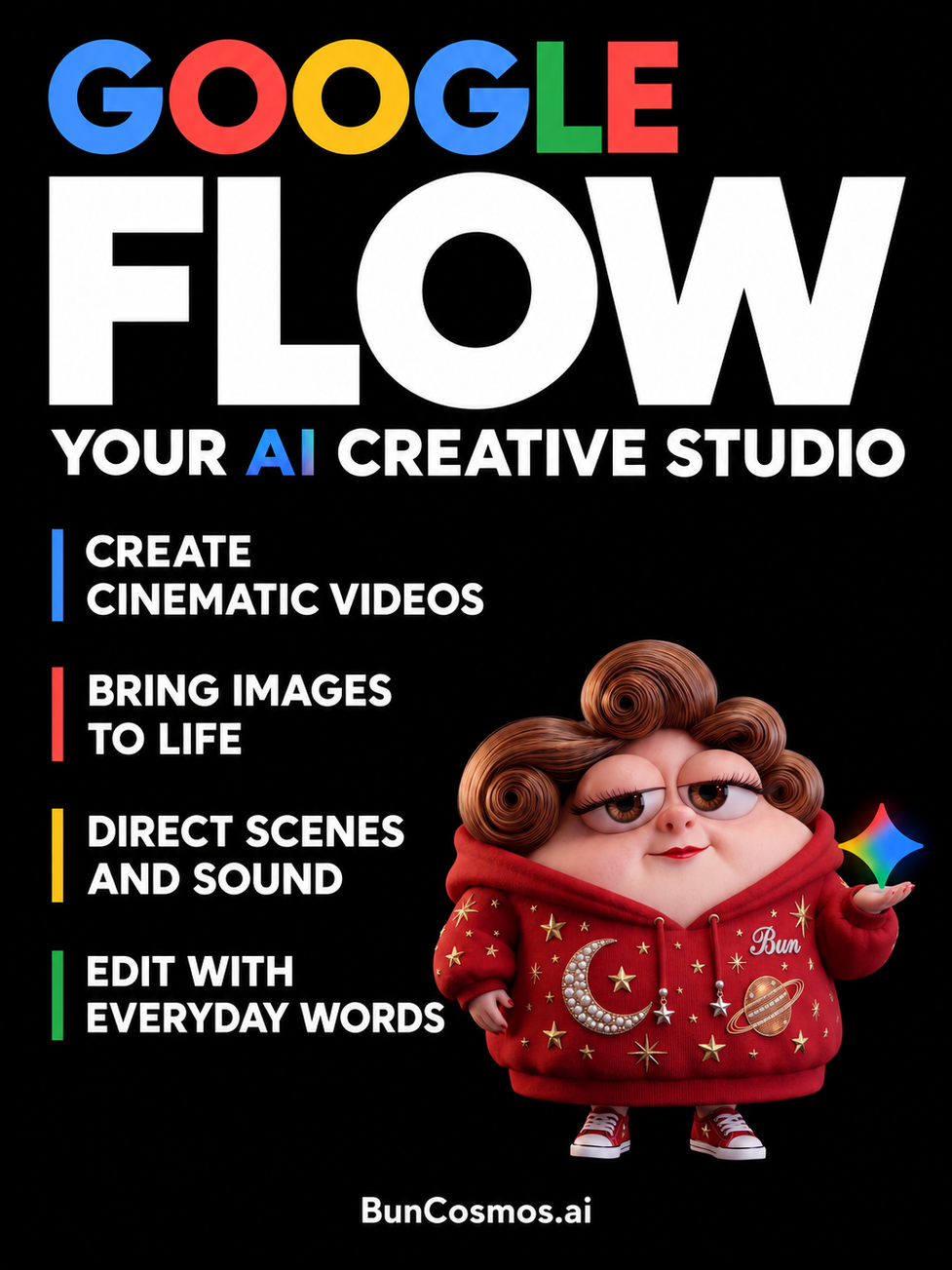
A film can begin with a very small moment. Someone steps out of a cottage, pauses beside the water and notices a light across the canal. Before there is a finished scene, there is a character, a place and an idea about what should happen next.
Google Flow gives those pieces a shared workspace. Introduced on 20 May 2025, it was designed with filmmakers to help people develop cinematic clips and scenes using Google's generative models. Its original combination of Veo, Imagen and Gemini brought video generation, visual references and natural language prompting into one creative process. [1]
Since then, Flow has expanded into a broader AI creative studio. A February 2026 redesign brought image creation and editing further into the main experience, alongside asset organization and video tools. For a creator, this means the still image, the moving shot and the material used to guide both can belong to the same project. [2]
A creative studio built around the scene
Flow is the workspace through which a creator uses several different models. Google's current documentation lists Veo video models, Gemini Omni and Nano Banana image models. Each contributes particular capabilities, and the generation settings let the creator select a model, format and other options for the work at hand. [3]
The choices serve different stages of work. Nano Banana models help produce or refine the images that establish a shot. Veo offers video generation and compatible clip extension. Gemini Omni Flash 1.1 adds video to video editing, with clip lengths up to ten seconds. [3]
That arrangement makes room for several ways of beginning. A writer can start with a scene description. An illustrator can bring an existing image. A filmmaker can work with footage and ask for an edit. The project can grow around whichever material already expresses the idea most clearly. [7]
The distinction between a model and a workspace is useful here. A model produces or transforms media; Flow also provides the surrounding places to collect references, develop alternatives and assemble shots. These are different parts of making a film, and Flow brings them into a connected working environment. [2]
Giving an image a life in motion
Images can be created directly inside a Flow project, either through the standard prompt box or with the Flow Agent. They can become finished illustrations, references for other images or ingredients for video. Existing images can also be edited, and the History panel preserves earlier versions together with the prompts used to make them. [4]
This supports a familiar artistic rhythm: establish the composition, look at it carefully, then decide how it should move. Consider an imagined woodland scene. The creator might first settle the cottage's shape and the character's position. Movement can then be described in a few deliberate actions: a glance toward the window, a hand lifting a lantern, a curtain moving behind the glass.
Flow's February redesign also introduced more direct ways to indicate an image edit, including selecting an area with a lasso and drawing on an image to communicate the intended change. Visual selection and written direction can work together when a detail needs attention. [2]
References that help a world hold together
Flow calls visual reference material ingredients. With Ingredients to Video, images can guide the characters, objects and appearance of a generated scene. Google's January 2026 Veo 3.1 update emphasized improved identity consistency, reuse of backgrounds and objects, and the ability to combine characters, textures and stylized environments. [5]
For a recurring character, those references give the production a visual starting point. A series might have a character portrait, a recognizable coat, a little house and a particular painted texture. Reusing these references gives each new scene a connection to the same collection of designs.
Google's current help documentation also describes reusable Characters. A creator can bundle visual references, a name and a selected or customized voice into a character, then call on it again. This makes recurring cast members easier to organize as a project develops. [6]
Choosing where the shot begins and ends
Frames to Video gives a creator a different kind of direction. A starting image establishes the opening composition; an ending image can establish the destination. The written prompt describes the action or transition between them. Flow's help pages describe this as a way to animate images and create transitions between specified visual moments. [7]
Imagine two pictures of the same room: one with the curtains closed and another with the window open to a snowy garden. The storytelling question becomes what happens between those states. Does someone enter and open the window? Does the camera approach it? Does a breeze reveal the view? The frames establish the visual anchors, while the prompt supplies the intended event.
Camera direction is part of Flow's design as well. Google introduced controls for motion, angles and perspective at launch, giving creators ways to shape how the audience encounters a subject. A slow approach to a face and a wide view of a landscape can carry very different meanings even when they show the same story world. [1]
A scene can have its own sound
Generated sound brings another dimension to the picture. Google's October 2025 Flow update added audio support to Ingredients to Video, Frames to Video and Extend, alongside Veo 3.1's audiovisual improvements. That opened these workflows to scenes with environmental sound and spoken dialogue. [8]
For a canal scene, the sound direction could be as specific as the image: soft water against the stone, footsteps on a wooden bridge and a brief greeting from a character at a window. Thinking about those sounds while designing the shot gives the scene a clearer sense of place.
Editing through a conversation
Gemini Omni brought conversational video editing into Flow. In its May 2026 announcement, Google described a model that combines Gemini's capabilities with generative media, allowing creators to work with real and generated material and refine the result through dialogue. Google also highlighted improvements in character and voice consistency. [13]
The current editing guide describes uploading or selecting footage, choosing a segment of up to ten seconds and explaining the desired change in a prompt. Visual references can accompany that instruction. Earlier versions remain available in History, so the creator can return to an existing version while exploring another direction. [9]
The creative language can stay close to the scene itself. A director might ask for softer morning light while retaining the composition, or request a different background atmosphere. The instruction describes a change to the image in the language of the story.
Building a sequence from individual shots
Flow's Scenebuilder provides a place to arrange clips, change their order, trim their beginnings and endings, preview the sequence and download the scene. The editing tools also let a creator save a frame from a video and reuse it as an ingredient or as the start or end of another generation. [9]
For compatible Veo clips, Extend generates additional footage that continues the action. Google's description of the feature explains that a continuation is guided by the end of the preceding clip, making it useful for holding a shot and letting an event develop for longer. [8]
A sequence makes relationships visible. A wide shot can establish the cottage; a closer shot can reveal the light in its window; the final shot can show who is waiting inside. The meaning comes partly from the order and duration of those images. Scenebuilder gives creators a place to work on that timing. [9]
An agent that works with the project
The Flow Agent can help outline storyboards, develop mood boards, refine prompts and create images or videos. It can generate several variations of an asset, edit selected media and organize material into collections. Creators can drag references into the conversation and add project instructions to guide the agent's behavior across their work. [10]
A brief could ask the agent to suggest three ways to reveal a hidden room, with the same central character and a gentle comic tone. The creator would then have several directions to consider before choosing a shot. Another request could focus on naming and grouping the resulting assets so the sequence remains easy to navigate.
Making tools for a particular creative habit
Flow also includes Tools, which can be built through natural language. A creator describes a small application or workflow, and Flow writes the code and builds its interface. Google's documentation gives an image filter with adjustable grayscale and hue as an example. Tools can be saved, edited conversationally and remixed from shared versions. [11]
This is useful when the desired process is very particular. An artist may want a repeatable color treatment or a small control panel for an effect used across a series. The tool becomes part of that artist's working setup. Google provides existing Tools for users to explore, while creating custom Tools is available through eligible Google AI subscriptions. [11]
From a quick draft to a finished export
Google's August 2026 update added further creative controls through Gemini Omni 1.1 Flash, including start and end frames, 360p drafting and higher resolution exports. Drafting at a lower resolution lets creators try a composition before choosing a version to develop. Flow also offers 1080p and 4K export through upscaling, with access depending on the selected workflow and plan. [12]
For short form work, Veo 3.1's Ingredients to Video also supports native 9:16 output. That allows a vertical composition to be generated for a phone screen from the beginning. The January announcement connected this format to short videos and mobile storytelling, alongside higher resolution upscaling for other production needs. [5]
Projects can hold collections of related material, and Flow provides downloads for video files and GIFs. These details connect the creative workspace with the places where the finished work will be seen, whether the result is a small animated moment or a sequence intended for further editing. [6]
A place for recurring stories
Consider a four shot story. First, establish the little house beside the canal. Next, bring the character to the window. In the third shot, reveal a tiny visitor carrying an oversized parcel. End with the character opening the door and discovering that the parcel is a cake.
The creative choices are concrete. How long should the parcel remain hidden? Should the visitor look proud or exhausted? Would the final reveal work better in a close view? Each choice can be expressed through references, framing, movement and timing. Flow provides tools for developing those decisions within one project. [14]
Google developed Flow with input from filmmakers, including Dave Clark, Henry Daubrez and Junie Lau. Their early projects explored different forms of storytelling and combined Flow with other creative methods. That collaboration places the product in the practical work of building a film, where design, performance and editing all contribute to the result. [1]
Flow's wider family also includes Flow Music, which Google describes as a workspace for making and refining songs, including section editing and music video creation. It is a related product with its own tools, extending Google's creative work into sound and music. [13]
For someone developing an original character or a small fictional world, Flow offers a connected set of places to work: references for the cast, images for the look of a scene, video for its action and a sequence for its timing. A story can grow through those decisions, one carefully chosen moment at a time. [14]
Sources
Information checked on 31 October 2026. Feature access varies by account, plan, region and platform. The numbered references link to product announcements and documentation.
[1] Meet Flow AI powered filmmaking with Veo 3 Google, 20 May 2025
[2] New ways to create and refine content in Flow Google, 25 February 2026
[3] Learn about Google Flow models and supported features Google Flow Help
[4] Create and edit images in Google Flow Google Flow Help
[5] Veo 3 point 1 Ingredients to Video Google, 13 January 2026
[6] Manage your Google Flow projects assets and collections Google Flow Help
[7] Create videos in Google Flow Google Flow Help
[8] Introducing Veo 3 point 1 and advanced capabilities in Flow Google, 15 October 2025
[9] Edit videos and build scenes in Google Flow Google Flow Help
[10] Use the Google Flow Agent Google Flow Help
[11] Create and manage Tools in Google Flow Google Flow Help
[12] New creative control features in Google Flow Google, 27 August 2026
[13] New agents mobile apps and Gemini Omni for Google Flow and Google Flow Music Google, 19 May 2026
[14] Get started with Google Flow Google Flow Help