How saved instructions bring your way of working into everyday AI tasks
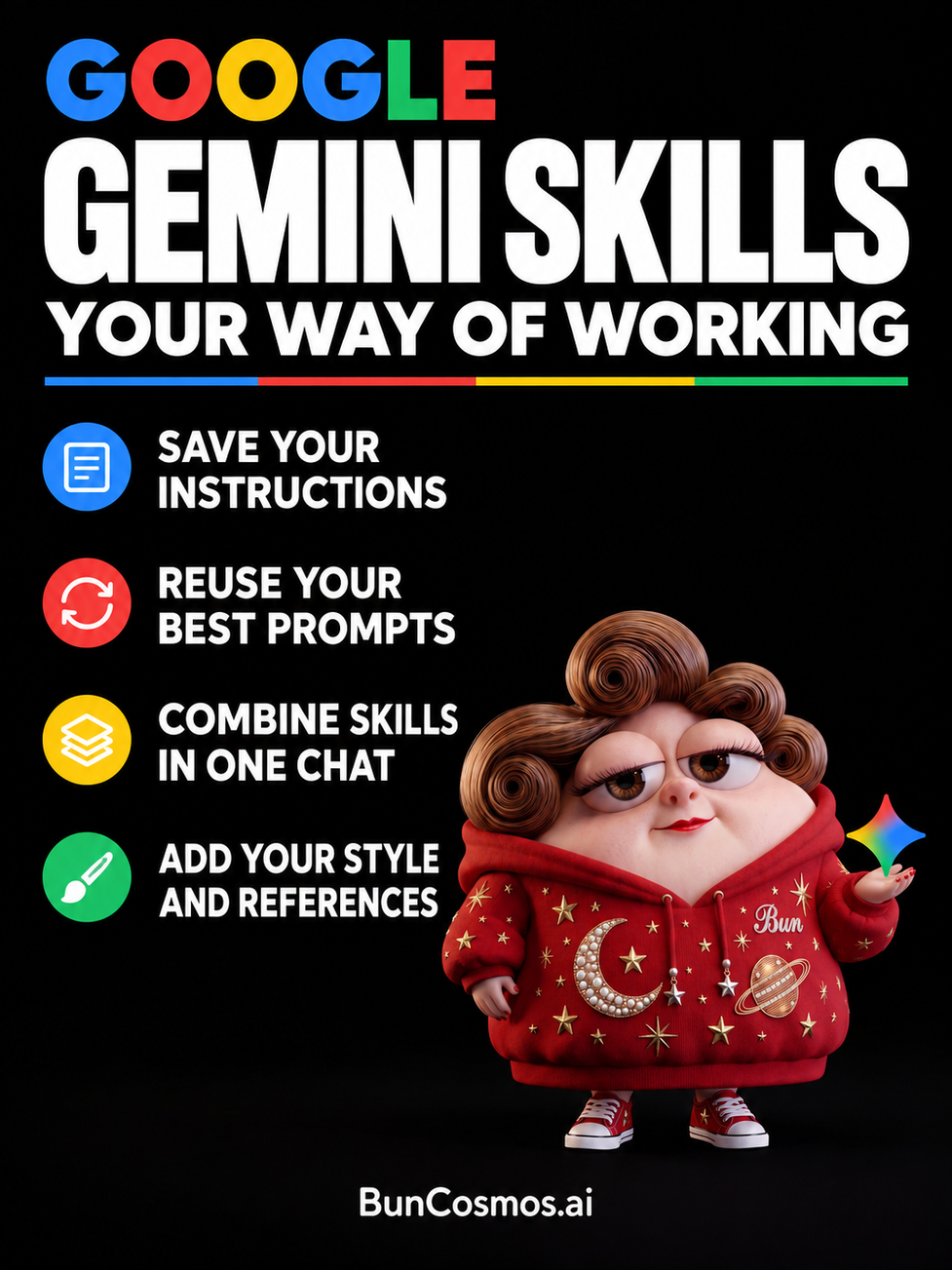
A useful way of working often takes time to explain. A writer has a preferred voice. A teacher follows a particular lesson structure. A creative studio has names, visual rules and a recognizable tone. When these details are clear, they can shape an entire piece of work.
Gemini Skills give those instructions a reusable home. Google introduced Skills in Gemini chat in September 2026 as a way to save instructions for recurring tasks and apply them again when needed. A skill can describe how to prepare a presentation, shape a draft or approach a brainstorming session. The next request can begin with the subject itself. [1]
The idea is practical: preserve the method, then bring it to new material. The creator still decides what the task should accomplish. The skill carries the guidance about how Gemini should approach it. [3]
What a Gemini skill contains
Google describes a skill as reusable instructions with additional context for a task or workflow. The Gemini app supports creating skills with Gemini's help, starting from a template, writing instructions manually or uploading a skill package. Skills can also include reference material. Users can select a skill for a task, and activated skills can be applied automatically when Gemini identifies a relevant request. [2]
A skill for explaining science, for example, might specify everyday English, a short opening explanation and a clear distinction between a study's findings and its possible uses. A new paper becomes the changing input. The writing approach remains available for the next article.
That example captures why a skill can be more useful than a short label such as 'write clearly.' The instructions can describe what clarity means for a particular audience: introduce an unfamiliar term, give one concrete example and explain what the reader should understand before moving on.
Working in the same conversation
Skills can be called from within a conversation. Google's announcement describes typing a forward slash followed by the skill's name; its current help pages also describe an updated @ shortcut for some users. Several skills can be selected for the same task, allowing a creator to combine separate sets of guidance. [1, 2]
An editorial project illustrates the appeal. One skill might hold a publication's writing voice. Another might describe the structure of a research article. A third could specify a short social caption format. The writer can choose the guidance appropriate to the current piece without turning every instruction into one enormous prompt.
Google presents this modular approach as part of the move from Gems to Skills. Customized guidance can be applied inside an existing chat, and different skills can be combined or used at different points in a conversation. This lets the working method follow the task as it develops. [3]
Keeping examples close to the instructions
A reference file gives an instruction something concrete to point toward. Google's launch announcement describes adding material such as text documents, PDFs and images to skills. A writing skill can therefore include an example of the desired style, while another skill can carry background information relevant to a recurring project. [1]
For an illustrated series, the reference material might contain character names, brief descriptions and the approved wording used in captions. For a course, it might contain the lesson structure and an example of how difficult concepts are introduced. The instructions can explain which parts of those references should guide the response.
This makes examples valuable working material. A creator who has already solved a problem once can describe what worked and preserve a representative result. That turns an otherwise temporary success into a method that can be tried on the next task.
Building a skill in ordinary language
Google's help documentation describes asking Gemini to create a skill directly in a chat and explaining what it should do. The Skills page also offers templates and manual creation. A skill has a name, description and instructions; its content can be edited as the workflow develops. [2]
To begin on the web, open Gemini, choose Customize, then Skills. Select a recommended template or Create, and give the skill a name and a clear description. [2]
A useful first draft could be simple. A 'Research article' skill might ask Gemini to explain the subject for curious adult readers, use connected paragraphs, define technical terms when they first appear and place sources near the claims they support. That gives the task a purpose, an audience and a recognizable output.
A second example could be an 'Instagram caption' skill. It might ask for three short options, each with one clear image or thought, written in warm English. A creator could add a few captions they have already approved. The instruction describes a repeatable creative task while leaving the subject open.
A format that can travel
Skills use the open, Markdown based SKILL.md format. Google's transition guide identifies portability as a benefit: people can create and adapt instructions in a form supported across compatible tools. The name refers to an ordinary text document that holds the skill's description and instructions. [3]
The Agent Skills standard describes a skill as a folder centered on a SKILL.md file, with optional reference documents, templates and other resources. This packages a method together with the material needed to carry it out. The format was originally developed by Anthropic and released as an open standard, and Google has adopted it for its Skills work. [10, 3]
For a person building a collection of carefully written workflows, a readable format has a practical value. The instructions can be inspected, revised and understood as a document. A team can discuss the wording of a method, and a creator can keep track of how that method changes over time. [10]
Bringing team knowledge into the work
Google has also described Skills for Workspace as a way to apply a team's rules, templates and reference material to recurring work. Its examples include brand guidance, proposal preparation and invoice review. The emphasis is on capturing knowledge that a team already uses and making it available through a repeatable process. [4]
In Google's described collaboration workflow, people can develop skill instructions in a Google Doc, invite colleagues to comment and refine the wording together, then bring the skill into Workspace Studio. This gives the method a familiar place for discussion before it is used in daily work. [4]
A small studio could use this approach to document how it prepares a project proposal. The shared method might specify the client's goal, the deliverables, the timeline and the questions that still need an answer. A person joining the project could read the same instructions the AI is being asked to follow.
The same method across a larger workflow
Workspace Studio's documentation describes using skills through Gemini in apps such as Gmail, Docs, Slides and Chat, and adding one or more skills to an Ask Gemini step in a flow. The skill supplies the guidance for that part of the process. Reference sources can also be selected while the workflow is being configured. [5]
For example, a customer communication skill could define the tone of a reply and point to an approved policy. A proposal skill could describe how to fill a standard document. The task provides the particular customer or project; the skill supplies the established way of handling that kind of work. [5]
Google is introducing these experiences in stages. Its 13 October update said Gemini app Skills had begun rolling out, with completion expected by mid November, and that the broader Workspace rollout was being rescheduled. Workspace administrator documentation updated on 26 October identifies Skills access for customers in the Gemini Beta program. These dates describe the rollout as of 31 October 2026. [8, 9]
Skills while browsing in Chrome
Google also offers Skills in Gemini in Chrome, a browser experience announced in April 2026. A useful prompt can be saved and run again against the page being viewed, with additional selected tabs providing context. Google's examples include comparing product specifications and finding important information in long documents. [6]
There is also a library of ready made Skills that can be added and adapted. A saved workflow can be selected from Gemini in Chrome rather than typed again for each new page. This puts reusable guidance beside the material a person is already reading. [7]
Imagine a creator researching several camera products for a project. A comparison skill could request the same fields for every option: recording formats, weight and the features relevant to the planned shoot. Repeating that structure across selected pages makes the resulting notes easier to compare.
Chrome Skills and the newer Gemini app Skills belong to different product experiences, each with its own access and setup. Their shared idea is easy to recognize: a useful instruction can be saved, adapted and applied to fresh context. [6, 7]
Building a small collection that fits real work
A collection of skills can begin with the work that repeats most often. For an independent creator, that might mean explaining a research paper, drafting a caption, planning a short video and preparing a project brief. Each task has a different purpose, so each set of instructions can stay focused.
A video planning skill could ask for four shots, one main action in each, a consistent central character and a clear final moment. A separate caption skill could turn the chosen idea into a short post. The connection between them is the project itself; each skill carries a particular part of the method.
As the creator learns what works, the wording can become more precise. 'Make it beautiful' can become a description of the mood, pacing and composition. 'Keep it clear' can become a set of choices about vocabulary, examples and paragraph length. Those details make the instructions easier to apply and easier for a person to review.
The purpose of keeping a skill is to make a useful method available again. In a creator's workflow, that can mean preserving a way to explain a difficult subject, a carefully developed writing voice or a well organized project brief. Each new piece then begins with guidance the creator has already shaped. [10]
Sources
Information checked on 31 October 2026. Feature access varies by account, plan, region and platform. The numbered references link to product announcements and documentation.
[1] Let skills in Gemini tackle your most repetitive tasks Google, 30 September 2026
[2] Create and manage skills for Gemini Apps Gemini Apps Help
[3] About the transition from Gems to skills Google Workspace Help
[4] Teach Gemini your teams know how with skills in Google Workspace Google Workspace Blog, September 2026
[5] Learn how skills work in Google Workspace and Google Workspace Studio Workspace Studio Help
[6] Turn your best AI prompts into one click tools in Chrome Google, 14 April 2026
[7] Customize your Gemini in Chrome experience Gemini Apps Help
[8] An update on the launch of skills in the Gemini app and Workspace Google Workspace Updates, 13 October 2026
[9] Allow people to use skills in Studio and Gemini in Workspace Google Workspace Help, updated 26 October 2026
[10] Agent Skills Overview Agent Skills standard documentation